A step-by-step walkthrough of My Regiment UK: how to add a veteran to the registry of memory, search for relatives, light an online candle, and create profiles for unknown soldiers.
Memory of World War II is preserved not only in books and archives, but also in family stories, photographs, and personal recollections. Today anyone can contribute to preserving that memory — add a veteran to the registry, search for relatives, honour the heroes, or help identify unknown soldiers in archival photographs.
This guide walks you through every feature of moypolk.uk and explains why each one matters for future generations.
Adding a veteran to the registry of memory
Adding a veteran preserves your family history and makes it part of a shared historical memory.
Step 1. Open the registration screen
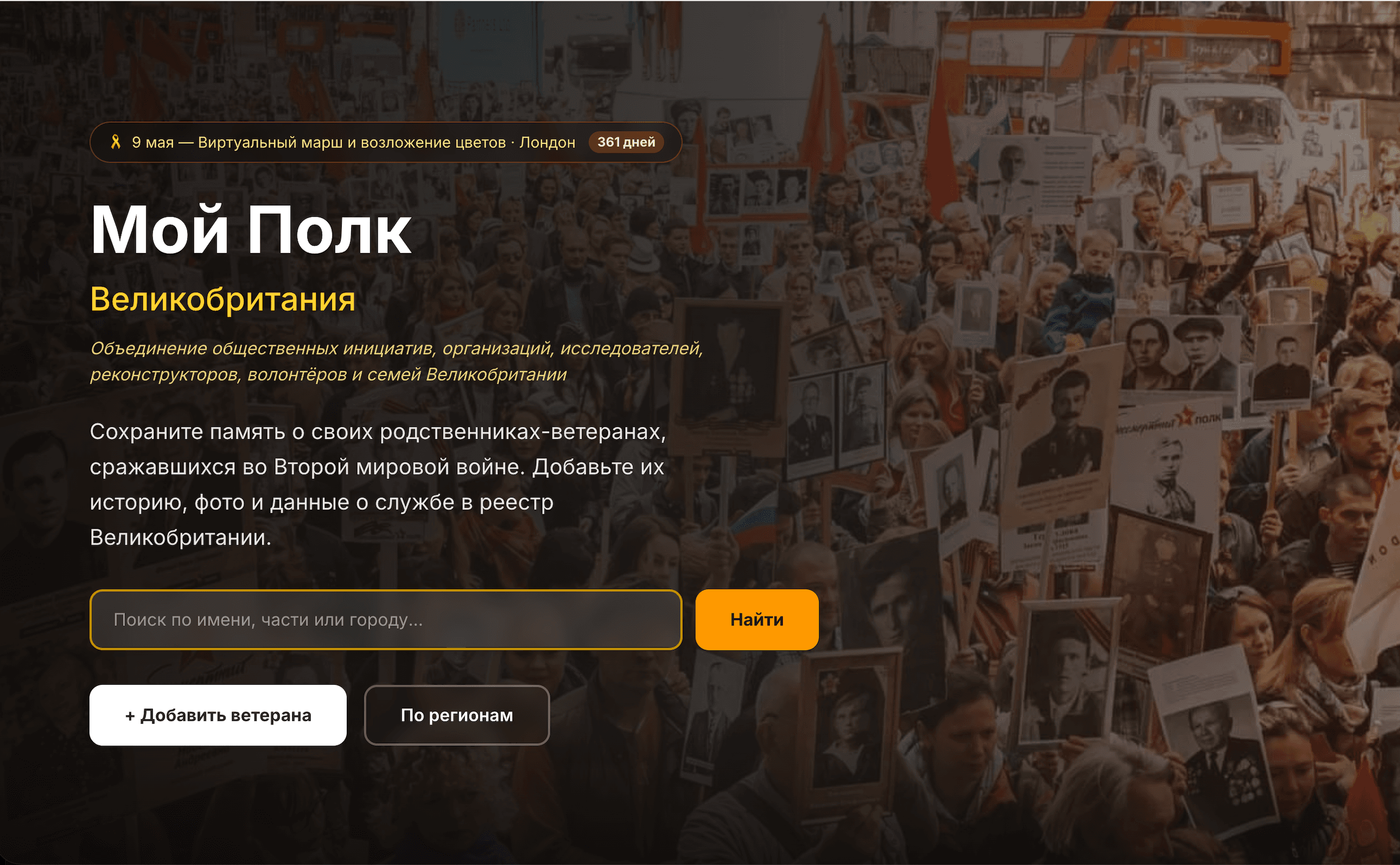
Open the main menu in the top-right corner of the site. At the bottom of the menu you will find a yellow button labelled «Добавить ветерана» / «Add a Veteran».
Step 2. Gather the information
To create a profile, it helps to prepare:
- the veteran's full name;
- years of birth and death;
- military rank;
- unit or branch of service;
- information about awards;
- a biography or recollections;
- a photograph.
Even if you only know the name, that is enough to create a page.
Step 3. Create an account
You need to sign in via email or a Google account. This allows you to:
- edit the profile later;
- save drafts;
- receive notifications after the profile is reviewed.
Step 4. Fill in the form
Enter the veteran's details in Russian and/or English. You may upload wartime photographs and add family recollections to the biography.
You can save the form as a draft and return to it later.
Step 5. Review and publication
After you submit, the profile goes through moderation. Review typically takes 24–48 hours. Once approved, the veteran's page appears in the open registry.
Searching the registry
The site offers a built-in search for veterans:
- open the main menu in the top-right corner;
- click «Поиск» / «Search»;
- enter what you know about the person.
You can search by:
- name;
- region;
- branch of service;
- year of birth;
- year of death.
For example, you can find veterans who served in the British Army, Royal Navy, Royal Air Force, Soviet Army, Merchant Navy, Medical Corps, and other units. Filters by key events of the war are also available — Battle of Britain, Arctic Convoys, Normandy, Siege of Leningrad, and more.
Lighting an online candle of remembrance
You can honour a veteran's memory with an online candle:
- open the search section;
- open a veteran's profile;
- next to the photograph, click «Зажечь свечу» / «Light a candle».
A small gesture — but a meaningful way to show respect and keep memory alive.
Creating a page for an unknown veteran
Old photographs sometimes show people whose names are no longer known to families or archives. Even partial information can help reconstruct an identity.
If you recognise someone in an archival photograph, or have information about an unknown veteran, create a separate page and add everything you know:
- tentative name;
- place of service;
- photographs;
- relatives' recollections;
- approximate years of life;
- any archival data or documents.
Even a small detail can help another person recognise their relative decades later.
Why publishing archival photographs matters
Old photographs are not just images — they are part of living history. They may show people still being searched for by families, descendants, or researchers.
Publishing archival photographs helps preserve family histories, restore the names of unknown soldiers, pass memory to future generations, and make the history of the war more personal and human.