A practical guide for families preparing portraits of their veterans for the 2026 Immortal Regiment marches across the UK.
Choosing the Right Photo
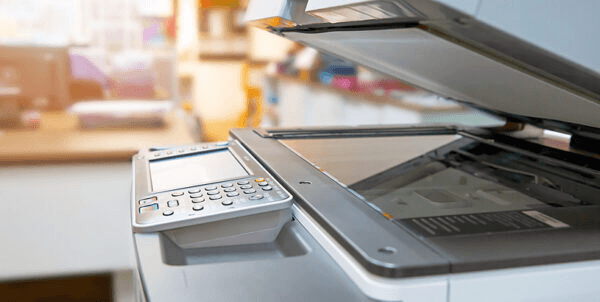
For the best results, choose a wartime or early post-war photograph of your veteran. If you only have a small print, your local library or print shop can help scan and enlarge it. The recommended print size for the march is A3 (297 × 420 mm).
Printing Options
You can print your portrait at home on a standard printer, or visit a local print shop for a higher-quality result. Many copy centres offer A3 prints for under £5. Some regions will have free portrait printing available at collection points — check your local event page on moypolk.uk for details.
Mounting the Portrait
Attach your printed portrait to a wooden stick or dowel using tape or staples. Ensure the portrait is securely attached so it can be held aloft during the march. Laminating the print can protect it from rain — always a consideration in the UK!
Digital Alternative
If you cannot attend in person, you can register your veteran on moypolk.uk and their portrait will be included in the digital projection displays at many Victory Day events across the country.